Seamless Editing
A Markdown editor built for rapidly managing your documentation. Tables, file links, Mermaid support and nested tabs that remember exactly where you left off.
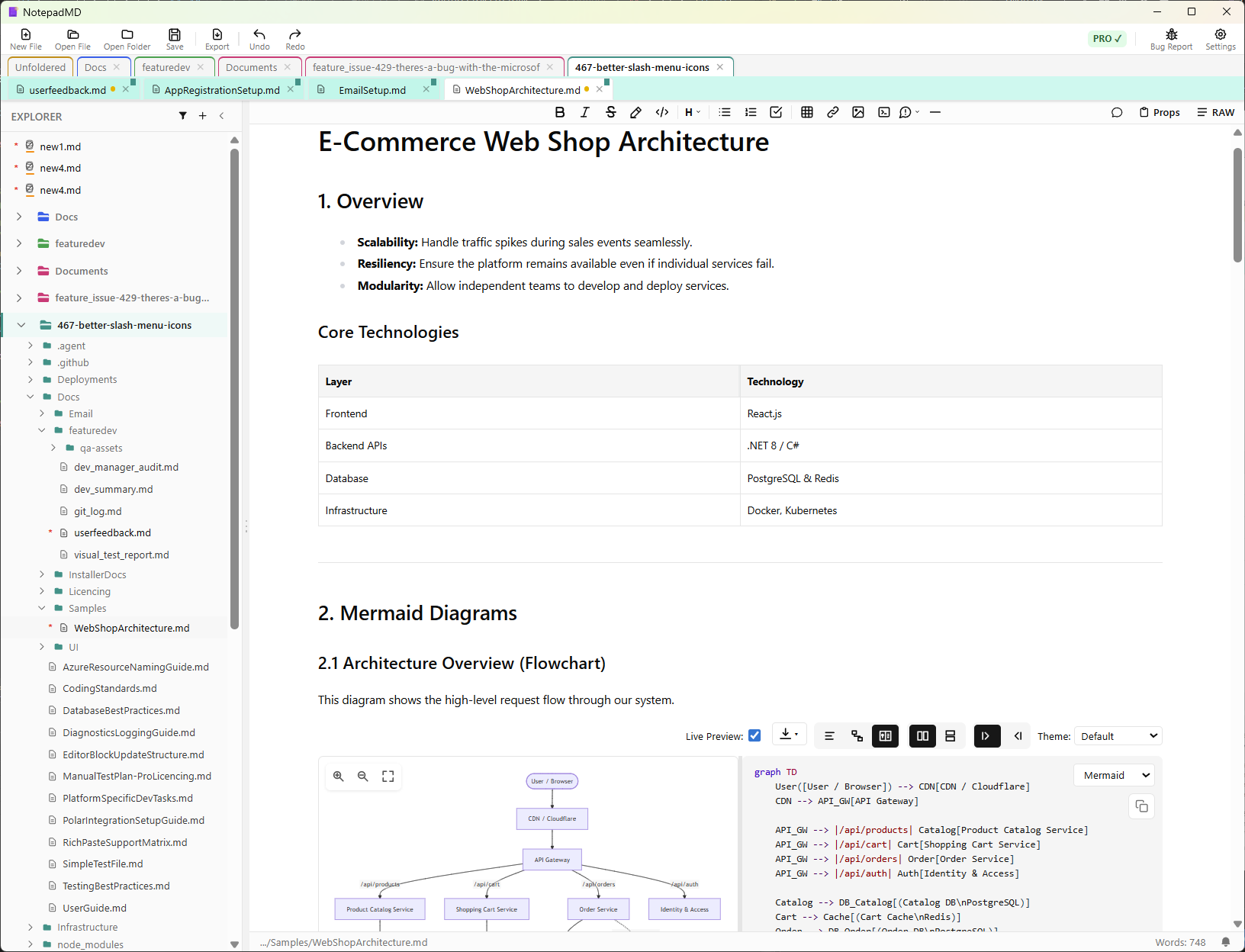
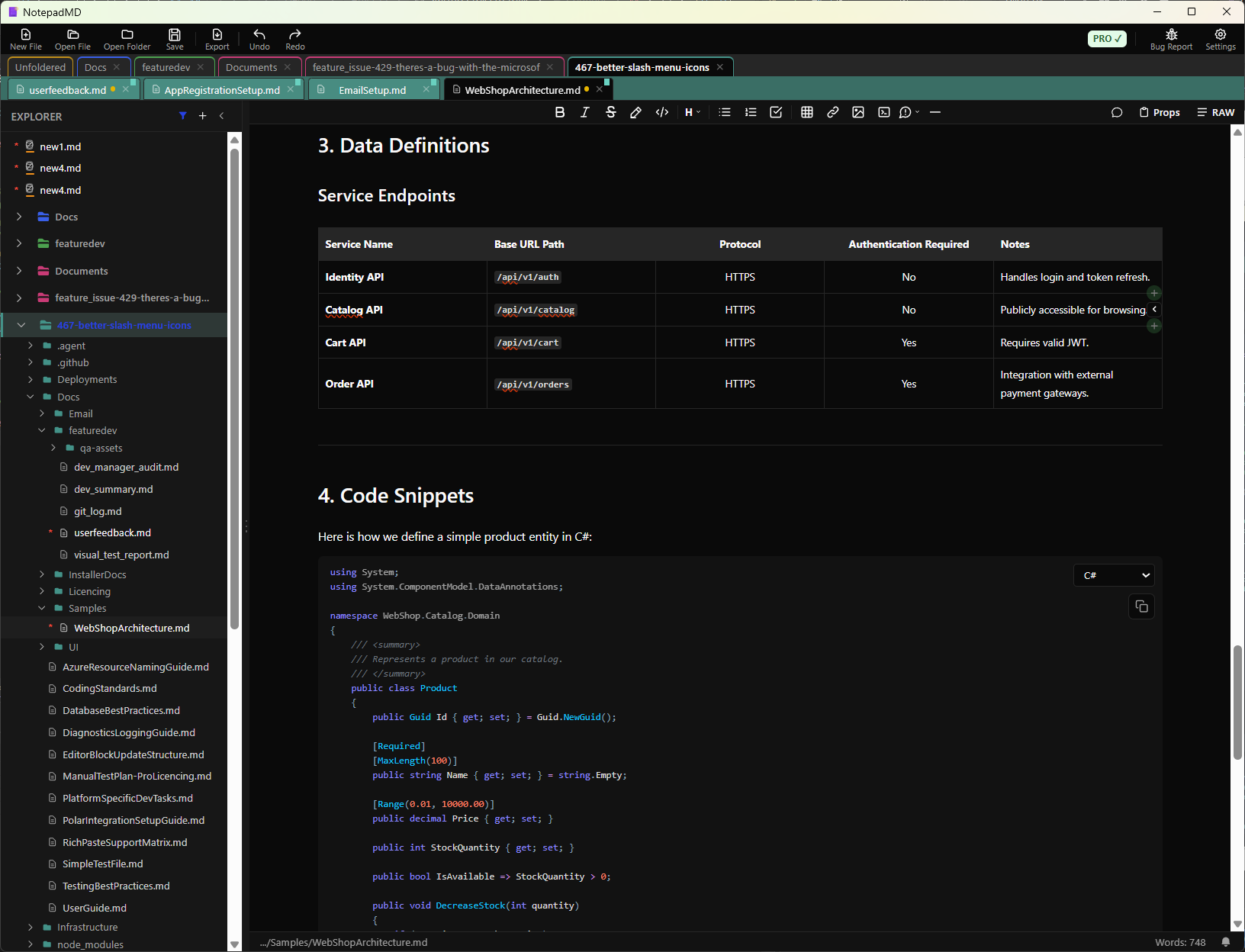
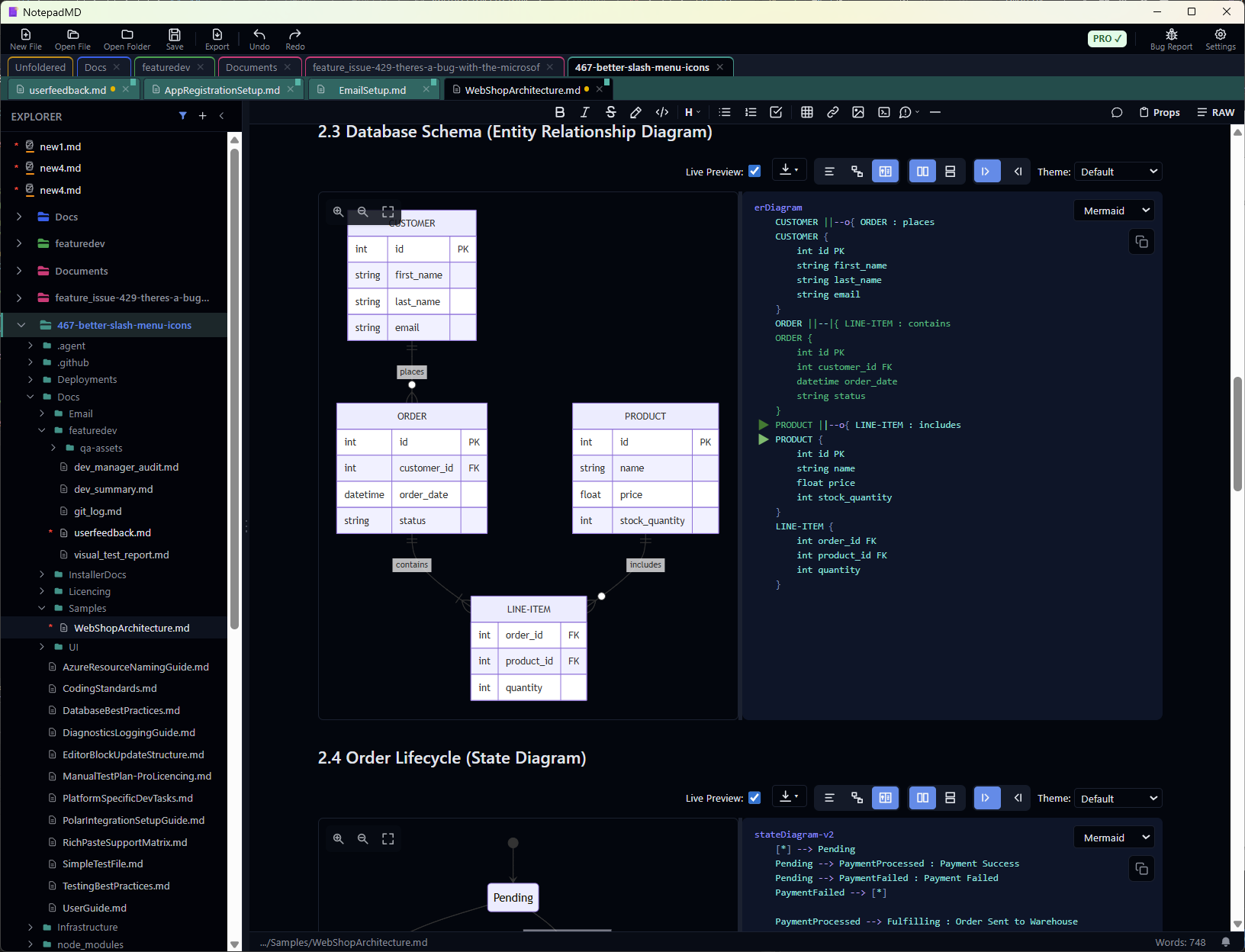
Everything rendered.
No Distractions.
Live Markdown Editor
A beautiful WYSIWYG block-based editor that renders markdown as you type. Headings, lists, blockquotes, inline code, and rich text — all live.
Persistent Sessions
Close and reopen exactly where you left off. Every tab, scroll position, and cursor state.
Command Palettes
Type / at the start of a line for a list of blocks to insert. Type [[ anywhere to insert links.
Tables
Full GFM table support with visual editing, resize handles, column and row management — no raw markdown required.
Mermaid Charts
Live-rendered flowcharts, sequence diagrams, and Gantt charts. No preview toggle needed.
Code Blocks
Code blocks with syntax highlighting for 12+ languages. Write code documentation with clarity.
Keyboard Shortcuts
Auto-convert markdown syntax as you type. Type # for headings, - for lists, and more — just write naturally.
Callouts
Info, warning, tip, and danger blocks. Rendered inline with full Markdown support inside.
Themes
Light, Dark, and Midnight modes. Three handcrafted themes designed for comfortable extended writing.
Accessible
Real time config sliders to control the layout. Zoom the entire interface to match your needs.
Document Exports
Customisable template based exports to Word, Google Docs, PDF, HTML, RTF and plain text
Smart Paste
Paste rich content from web pages, Word docs, and more—intelligently converted to clean Markdown.
Pro Mermaid Editor
Advanced Mermaid diagram editing with SVG/PNG/JPG export and click-to-highlight diagram elements.
Review Comments
Add inline review comments and annotations to any text selection for collaborative editing.
Custom Themes
Create and share your own personalized color schemes. Make NotepadMD truly yours.
Ready to get started?
Download for Free.
Upgrade to Pro and unlock exports, reviews, unique pro Mermaid editting and more